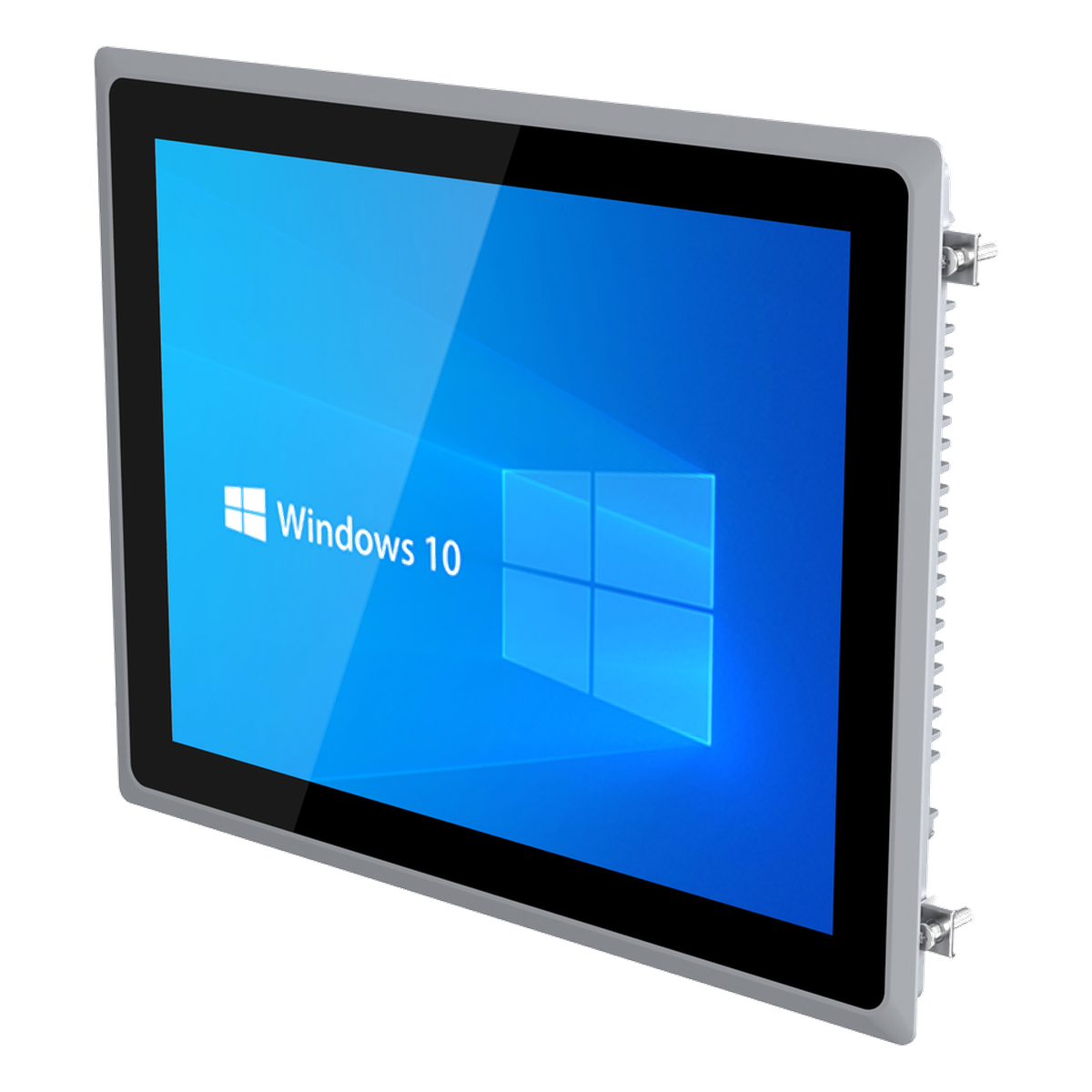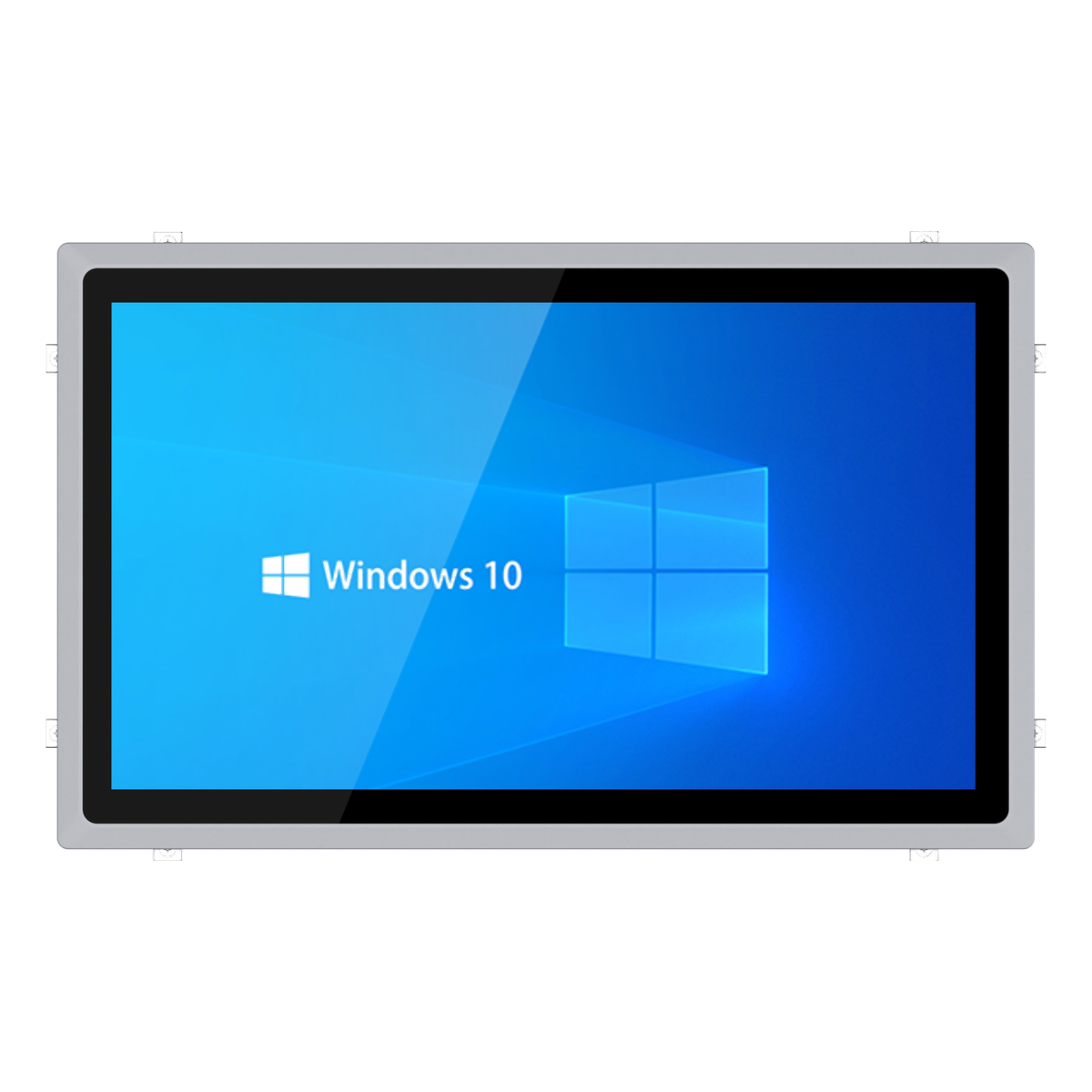
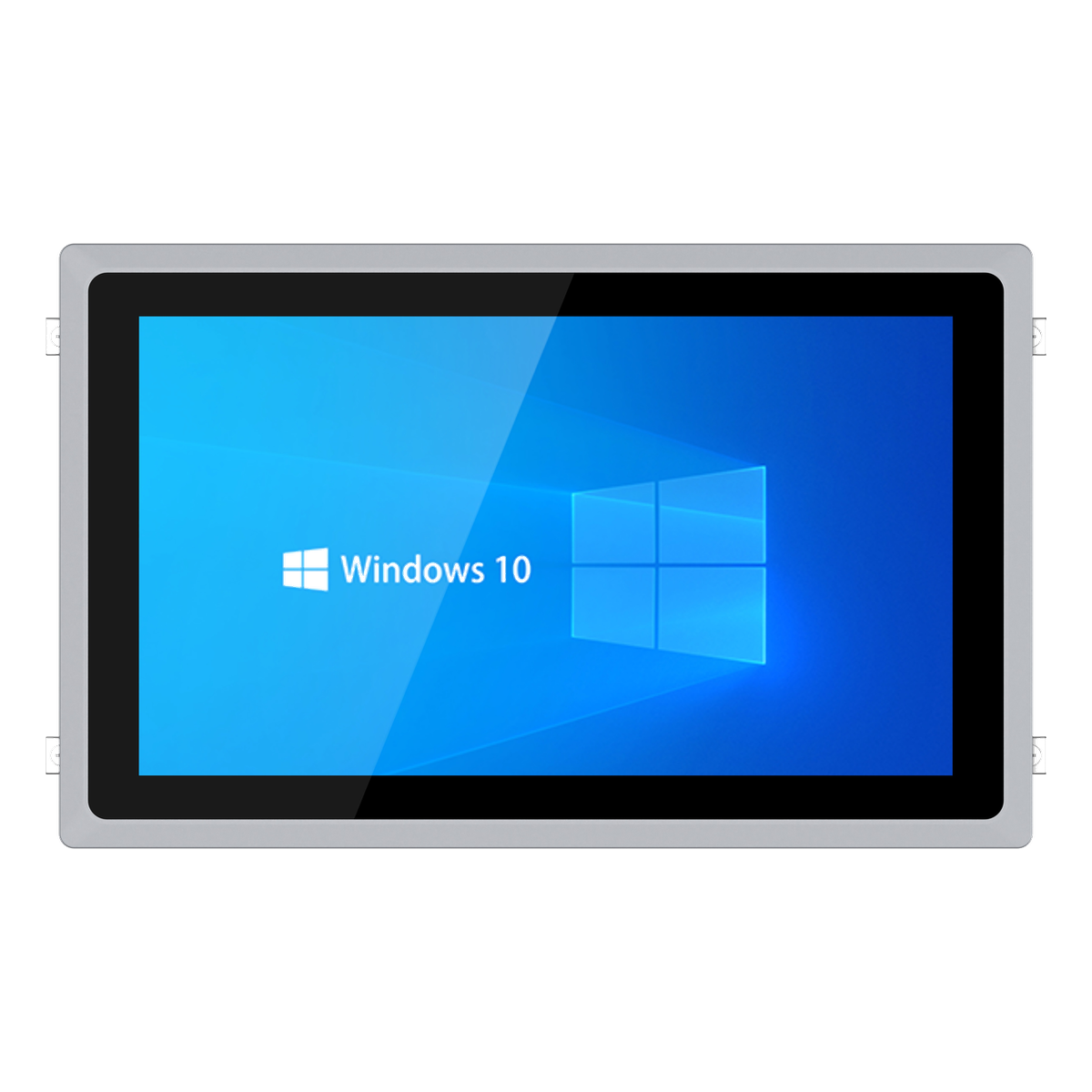
An industrial panel PC combines the display, touch interface and embedded computer into one unit. This makes it useful for HMI terminals, machine control, production dashboards, test equipment and cabinet-mounted systems.
The selection should not start with screen size alone. A reliable panel PC choice balances viewing distance, touch operation, I/O layout, mounting method, power input, operating system and long-term replacement planning.
1. Select Screen Size by Operator Workflow
A 10.1-inch or 10.4-inch panel PC can fit compact equipment and local control stations. Larger 15-inch, 15.6-inch, 17-inch, 19-inch or 21.5-inch systems provide more room for dashboards, trend charts and multi-window software.
Match the screen to viewing distance and glove use. If operators need to read values quickly from a standing position, a larger screen may reduce operating mistakes even if the software can technically fit on a smaller display.
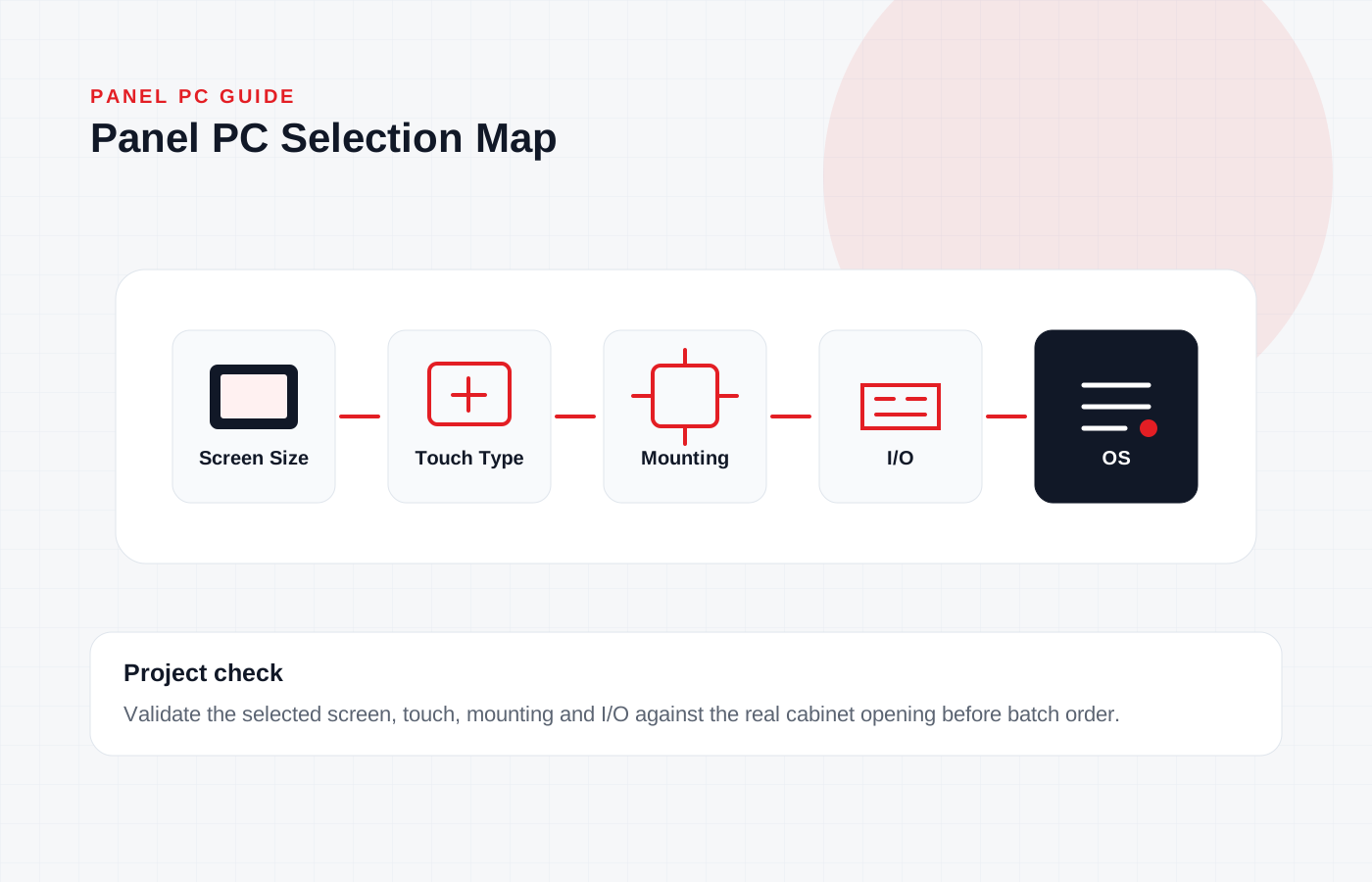
2. Confirm Resolution and Touch Type
Widescreen panel PCs are often preferred for modern HMI layouts, while square-screen models can fit legacy cabinet openings and existing software. Confirm whether the application expects 4:3, 5:4 or 16:9 layout behavior.
Capacitive touch is common for modern interfaces and multi-touch operation. Resistive touch may still be considered for some industrial environments where gloves, stylus input or simple single-point operation are more important.
3. Treat I/O as an Integration Requirement
A panel PC still needs the right communication ports. Count PLC connections, barcode readers, printers, cameras, USB devices, external displays and maintenance ports. The I/O position also matters because rear cables may conflict with cabinet depth.
If the project needs more serial ports, confirm expansion options early. Do not assume every screen size supports the same COM expansion, LAN quantity or internal layout.
4. Validate Mounting and Environmental Fit
Panel mount, embedded mount, wall mount and desktop stand requirements should be confirmed with mechanical drawings. Check panel opening size, front bezel clearance, rear depth and cable bend radius.
For hot, dusty or enclosed equipment, fanless cooling and aluminum alloy construction can reduce maintenance. Still, thermal validation should be performed in the final cabinet or a realistic test fixture.
Buyer Checklist
- Screen size and viewing distance
- Resolution and software layout requirement
- Touch type: capacitive or resistive
- LAN, COM, USB and display output requirements
- Panel opening and rear depth
- Mounting method and bracket requirement
- Power input: DC12V or optional 9-36V
- Operating system and driver support
- Front panel, enclosure and cleaning requirements
- Sample validation before batch installation